All services11 / 25
Automations with Zapier, Make and n8n
The routine work around the site done by a workflow: enquiries routed and sorted, the CMS kept in step with your other tools, reports sent on their own.
You might be here because
01
Every enquiry is copied into three places by hand.
02
Enquiries wait a day because someone has to sort them first.
03
Nobody notices a broken form until a customer complains.
What you get
Less copying between tools, and nothing lost on the way.
Built on Zapier, Make or n8n, whichever you already pay for. AI steps are added only where a rule cannot do the job.
Form routing
One submission goes to your CRM, Slack and a sheet at once.
Lead qualification
Rules that sort enquiries before a person reads them.
CMS sync
CMS collections kept in step with Airtable or a spreadsheet.
Replacements for retired tools
Flows from Webflow Logic or another retired tool rebuilt in Make or Zapier.
Reports
A weekly summary sent to the people who need it, with no one compiling it.
An alert when something fails
So a broken flow is noticed the same day, not at the end of the quarter.
How it goes
01
Describe the routine
What happens today, step by step, and where it goes wrong.
02
Get an estimate
In hours, before I start.
03
Test with real cases
Including the ones that should fail.
04
Hand-over
A short description of how it works and what to do when it stops.
Price
Billed by the hour, with the estimate first.
An automation is small enough to estimate in hours. The tools themselves are billed by their makers.
Hourly rate
40
USD an hour
Questions
Which tools do you use?
Zapier, Make and n8n. I use whichever you already pay for, or suggest the cheapest that does the job.
What happened to Webflow Logic?
Webflow retired it in 2025. Flows built on it have to move to a tool such as Make or Zapier; I rebuild them one by one and test each with real cases.
What happens when an automation fails?
It sends an alert, and the failed run can be played again. Setting that up is part of the build.
Does our data go through AI tools?
Not unless you agree to it. Anything behind a login, in a CRM or in a form inbox is treated as private.
What clients say.
From clients I built sites for. A card with a site opens its case study.
-
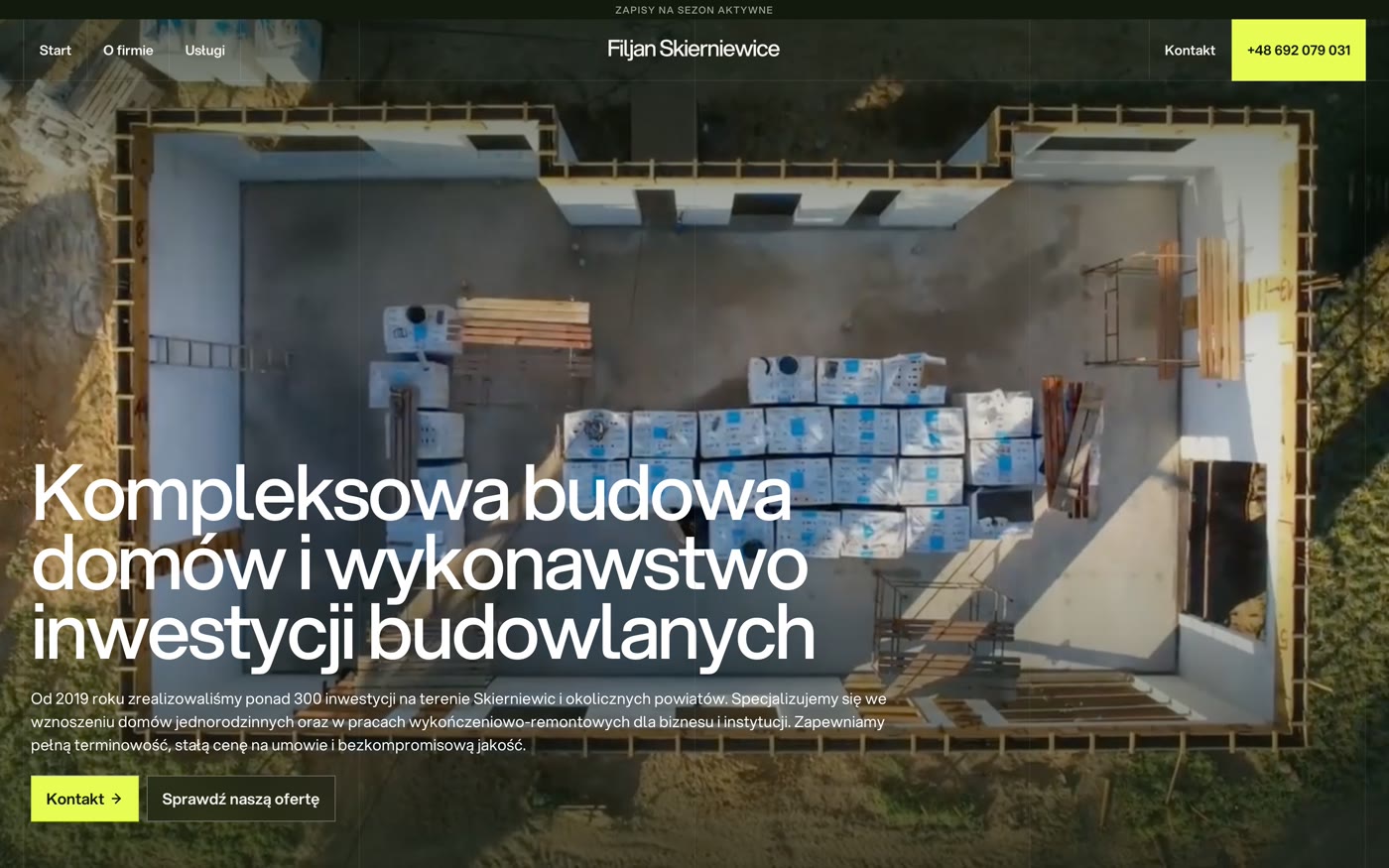
Construction
“I highly recommend working with Max. He took me through the whole process smoothly and gave a lot of professional advice along the way.”
Jan Trębski
View case
Owner, Filjan Bud -
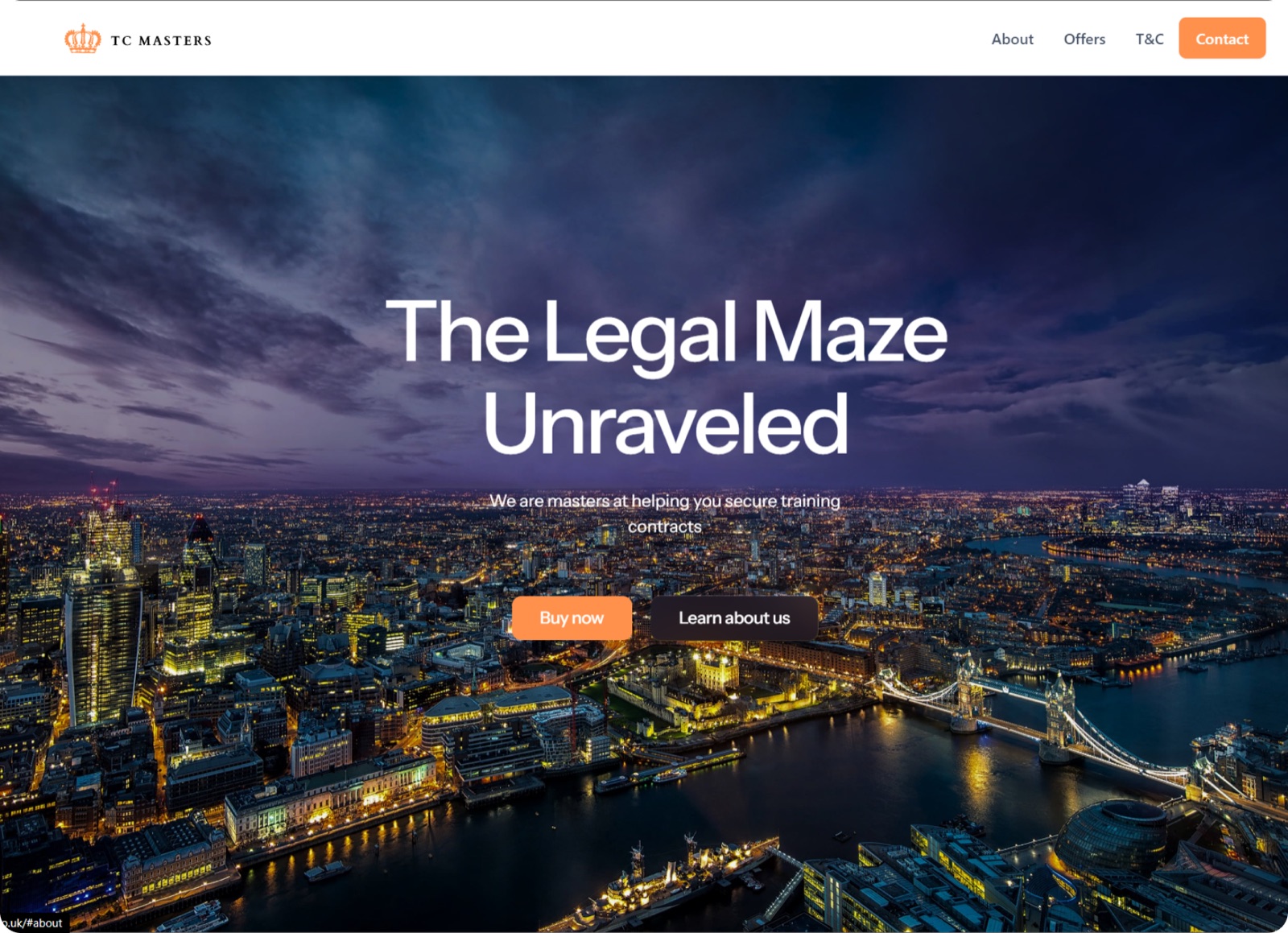
Legal careers training
“He not only transformed our vague ideas into a stunning website but also exceeded our expectations at every turn.”
Michał Gruchalski
View case
TC Masters -
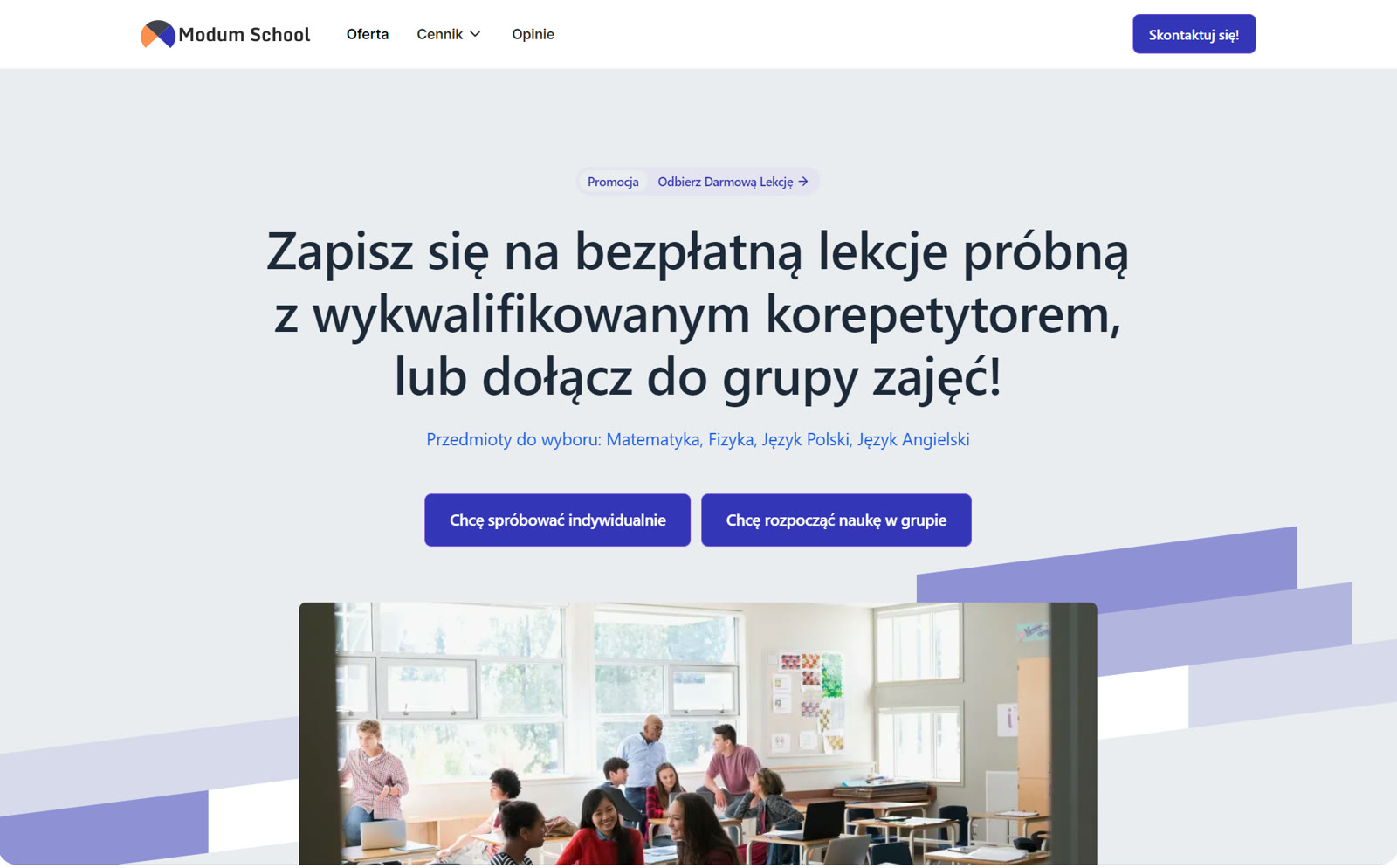
Tutoring school
“The process of creating a website is usually associated with agony. Here it was realized in a flash.”
Tomasz Domański
View case
CEO, Modum School -
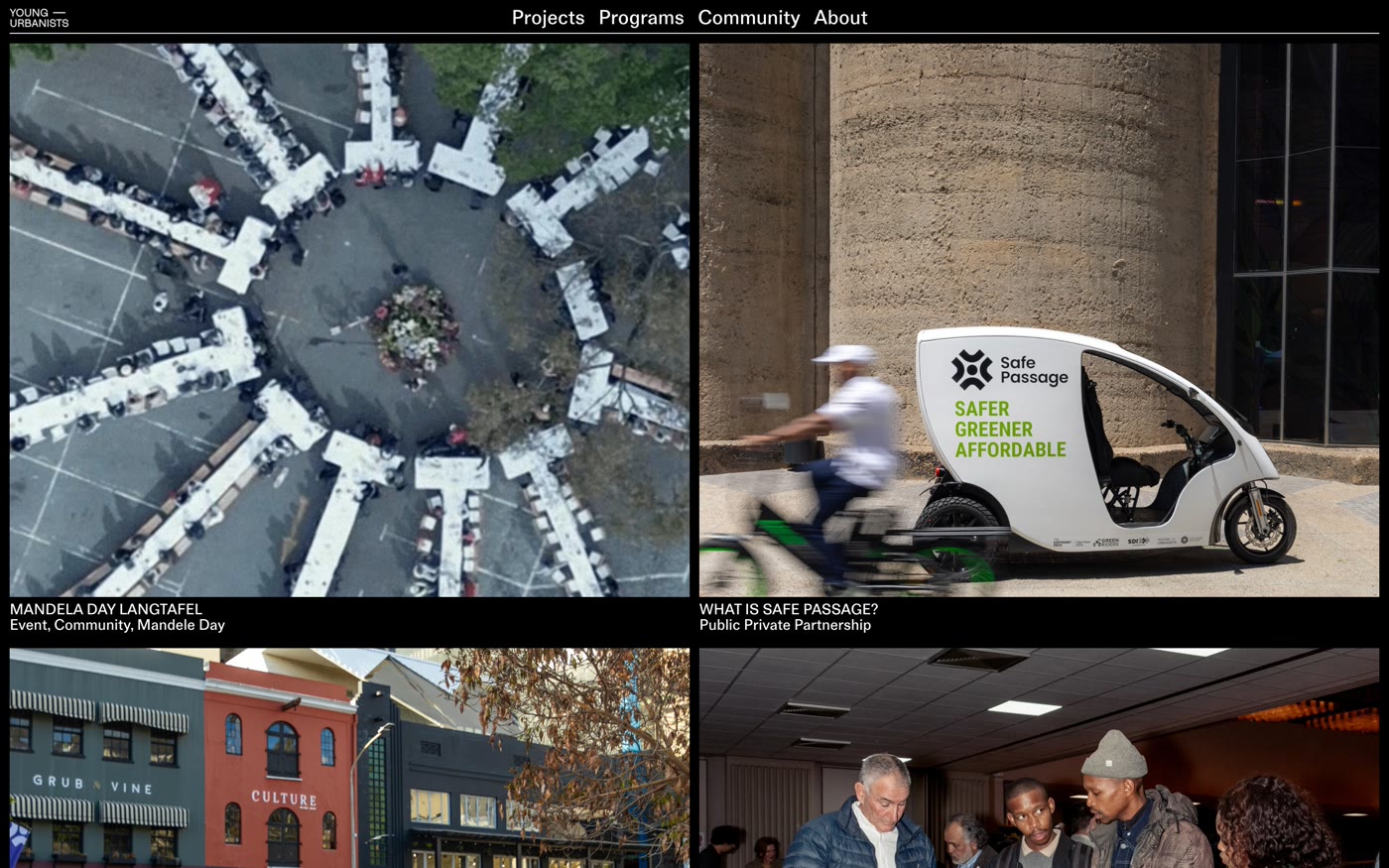
Non-profit, towns and cities
“I LOVE LOVE the websites you have built for me and later in the year I am bringing more website projects to you.”
Roland Postma
View case
Managing Director, Young Urbanists -
Legal careers training
“He communicated with us throughout the process and made sure that the final product was top notch.”
Cihangir
View case
TC Masters -
Cleaning services
“I told them how good of a job you are doing and how great of a partner you have been to Clean with Sunshine.”
Carl Ferreira
Proprietor, Clean with Sunshine
Goes well with
Integrations
Your site connected to the tools the company already runs on: forms into the CRM, analytics that measures the right things, and consent that holds tags back.
Service
Web apps
For when a website is not enough: client portals, member areas, dashboards and small tools, built in code and hosted beside your site.
Service
Your site
Not sure what your site needs first?
Next service
Web apps
12 / 25